This translation is machine-generated and pending review.
If you also connect daily to remote servers or local VMs, you have probably run into the tedious and annoying job of typing and remembering all the combinations of user + ip/hostname + port.
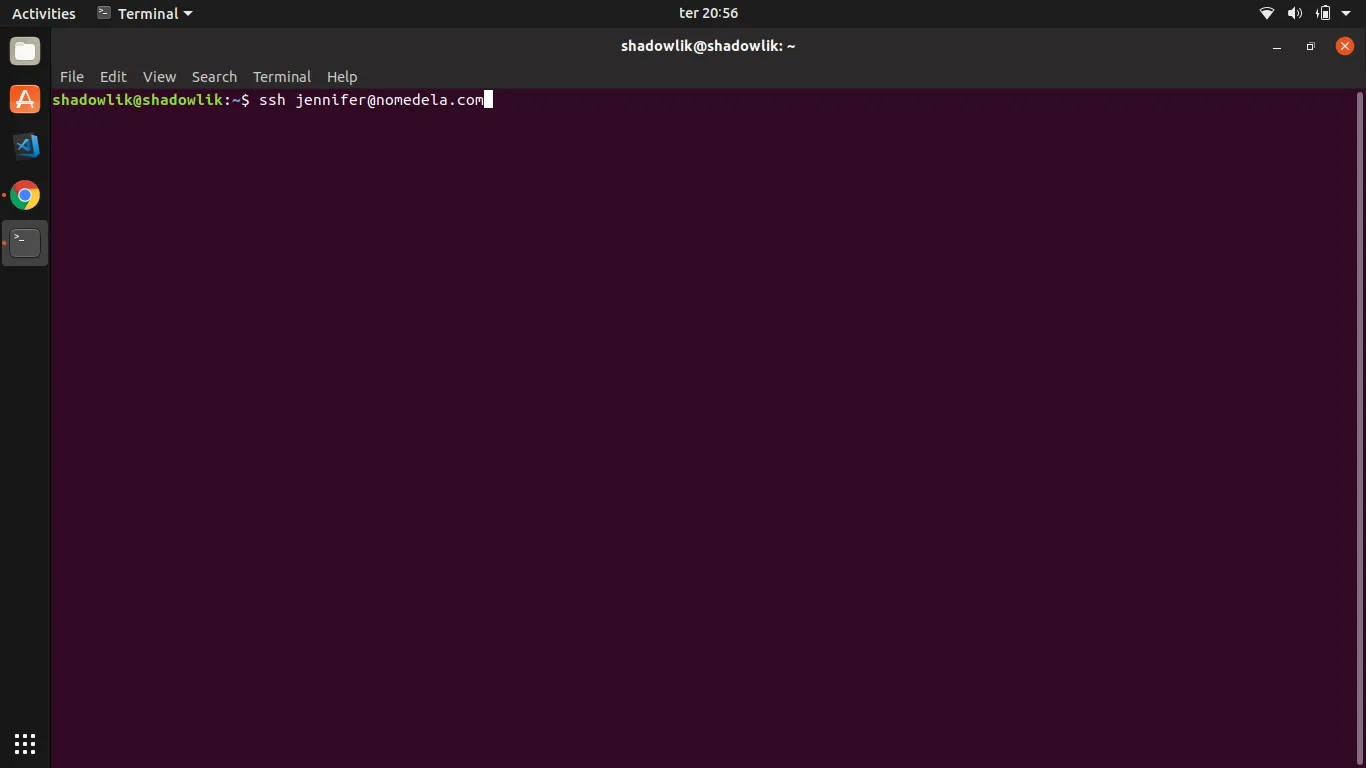
$ ssh [email protected]
The example above seems simple and easy to remember, but unfortunately that is not the case most of the time; you will probably run into situations like this:
$ ssh [email protected] -p 22000 -i ~/.ssh/my.key
This is where the magic of the config file comes in! It lets you define connection shortcuts in an elegant and organized way, making day-to-day work much easier. OK, but where is this blessed file? Alright, enough chit-chat, let’s get to the examples:
Creating the config file
The config file should go inside the user’s .ssh folder:
$ touch ~/.ssh/config
Scenario 1:
Suppose you have a simple connection like the first example given at the beginning of the article, where we have a user named henrique wanting to access the server marquesfernandes.com using a simple password. In our config file we would put the following settings:
Host mf HostName marquesfernandes.com User henrique
Host: Name of the connection shortcut
HostName: Address or IP of the server
User: User you want to connect as
Now you can connect with a simple command:
$ ssh mf
Scenario 2:
In the more complicated scenario, we have a user henrique wanting to connect to the server 192.168.99.100 on port 22000 using the key file ~/.ssh/my.key:
Host mf HostName 192.168.99.100 Port 22000 User henrique IdentityFile ~/.ssh/my.key
Port: Port for the connection
IdentityFile: Full path to the key file
Frequently asked questions
1. How do I put my password in the config file?
It is not possible; for security reasons, whenever you need to connect via SSH using a plain-text password, you will need to type it at the prompt.
2. Can I have more than one config file?
No, only one config.