This translation is machine-generated and pending review.
Many people get scared when I say I downloaded something through a torrent; a lot of folks believe it is something extremely complicated to do, so I’m here to demystify torrents. In this tutorial you will learn what a torrent is and how to safely download torrents of all kinds: movies, TV shows, software and much more.
Disclaimer: This article does not encourage the use of piracy and only aims to teach how to use and download software through torrents.
What is a Torrent?
Before you start downloading and installing everything, you need to understand what this beloved torrent is and why it is so cool. Well, the first thing you need to understand is that a torrent is not the specific file you want to download; it is a file that contains information about where the file you want to download is located. This information is then used by software like uTorrent for the “real” distribution, which essentially lets users easily download torrent files to their personal computers.
A torrent works with peer to peer technology. It is basically a giant network where everyone who downloads files through it also uploads those files, and the more people downloading and uploading the file, the faster the download speed will be. Imagine you want to download a program and it offers the download via torrent; as soon as you start downloading pieces of that file, your computer starts sending the pieces you already have to other people who also want to download that file. Don’t worry, it is a safe process: as soon as you pause the download or shut down your computer, it stops sending those file pieces.
The torrent itself is safe. What many people don’t understand is that it is just one more way of downloading files from the internet, and those files, yes, can be malicious, so you should avoid downloading files with low ratings or suspicious files onto your computer, whether through a torrent or through a browser. The best antivirus is common sense!
How to download a Torrent
The first thing you need is to install an application to download and manage torrents. I recommend, and we will use in this tutorial, uTorrent. It is available for all desktop operating systems (Windows, Apple MacOS, Linux) and there is also a mobile version for Android.
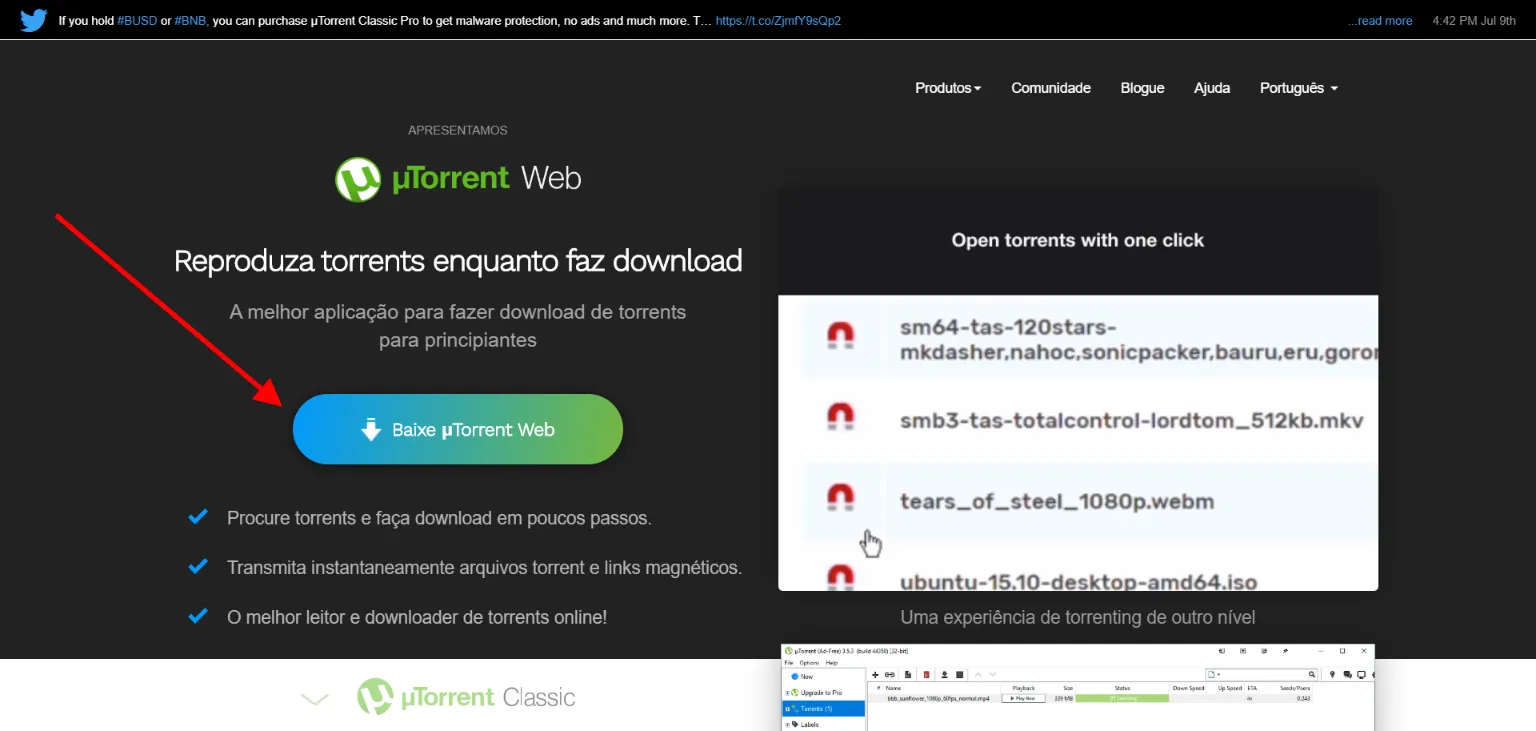
There is no mystery: just download the installer for your computer’s operating system and follow the steps to install and run the program. After installation you should see a screen similar to this one:
Searching for Torrents
Now we need to find the torrents we want. There are several websites for that; in this tutorial we will use the site https://rarbgproxied.org/. Torrent portals are usually simple and contain A LOT of ads, and often when you click anywhere on the screen they open a new tab with advertising. Don’t worry, that’s normal.
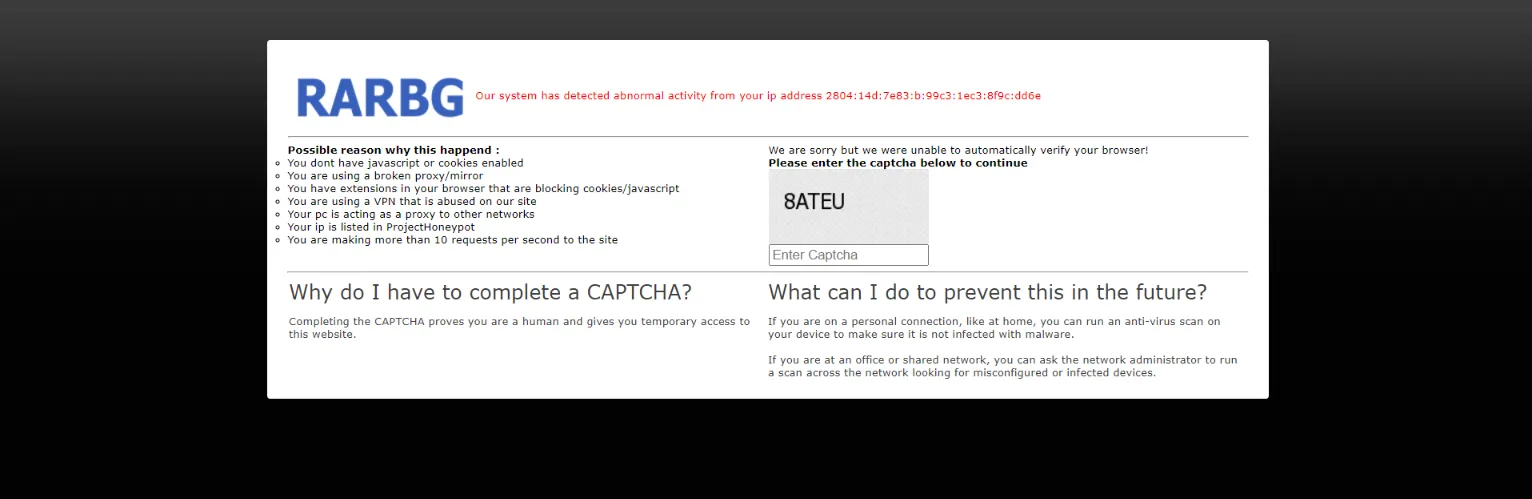
When you enter the site you will probably be asked a security challenge to check whether you are a human and not a robot.
Once you get past that step, we are greeted by the site’s home page and a search field, which we will use to look for our torrent.
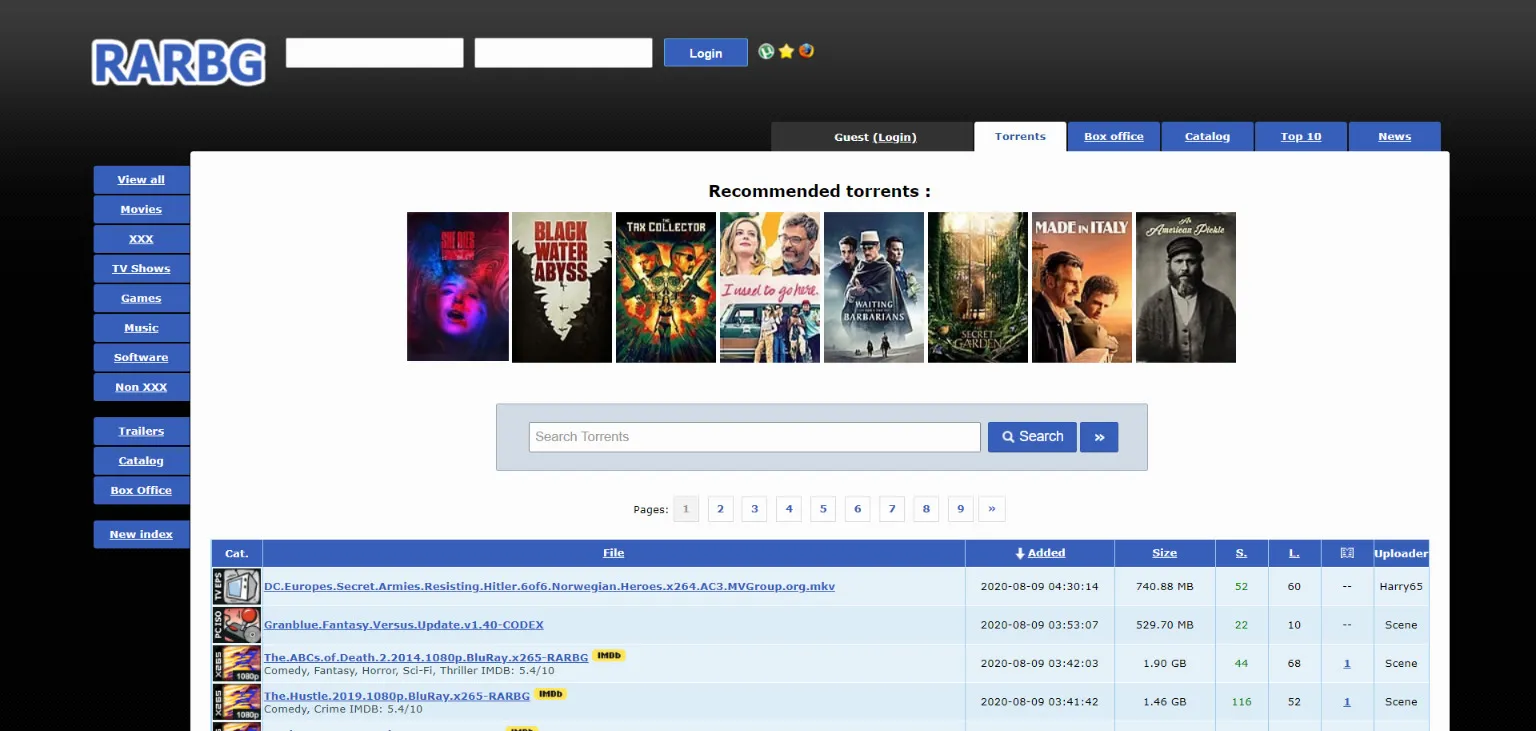
After you search for the desired file, whether it is a movie, a TV show or a program, sort the results by the Seeders column.
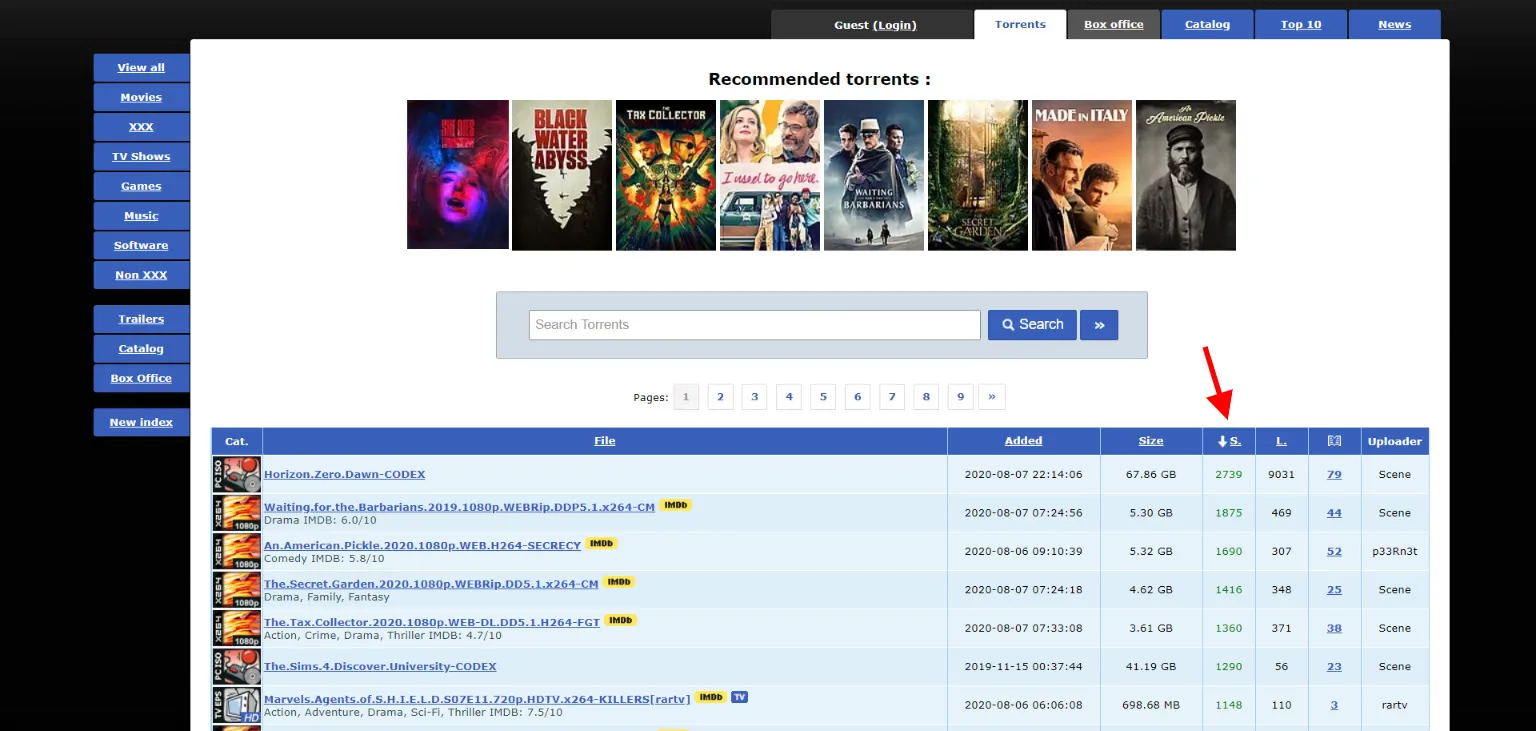
These two columns are important: the more Seeders a torrent file has, the more people are sharing that file, so your download speed will be higher. The column next to it, Leechers, indicates the number of people downloading that file.
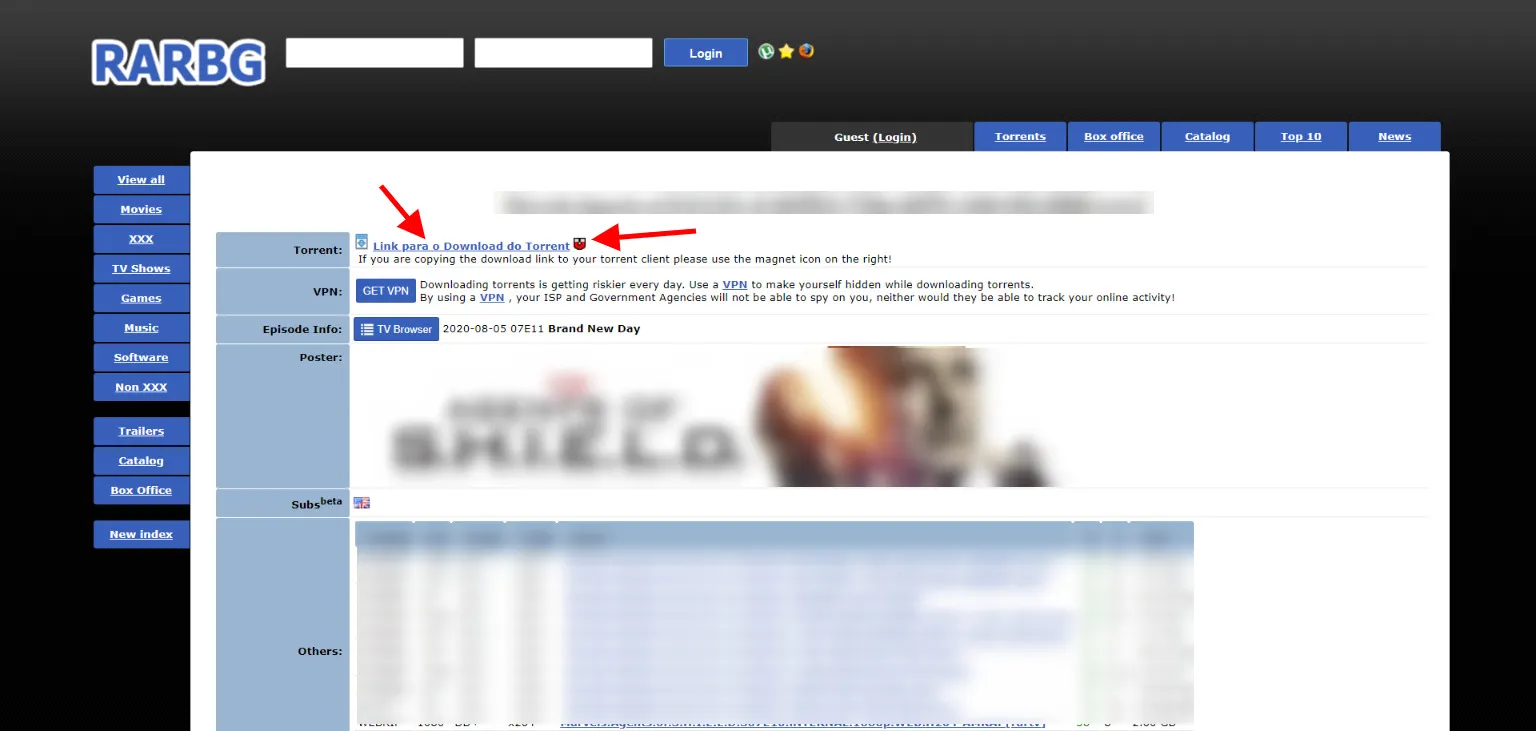
Now that you have chosen the right file, click the link to go to the torrent page. In the example above I masked the information; again, I do not encourage the use of pirated content, this article is purely educational hehehehe. Now we have two options to download: we can click the torrent download link to download the file and open it with our uTorrent torrent manager, or we can click the magnet, which is a link called a Magnet Link, a shortcut that will open your torrent application directly and start the download.
Choose a method and download the .torrent file. After opening this file you will see a window containing the name of the file you are going to download and which files it contains; usually there is a text file with information about the torrent’s author and the desired file. Select the location where you want to save it and click OK.
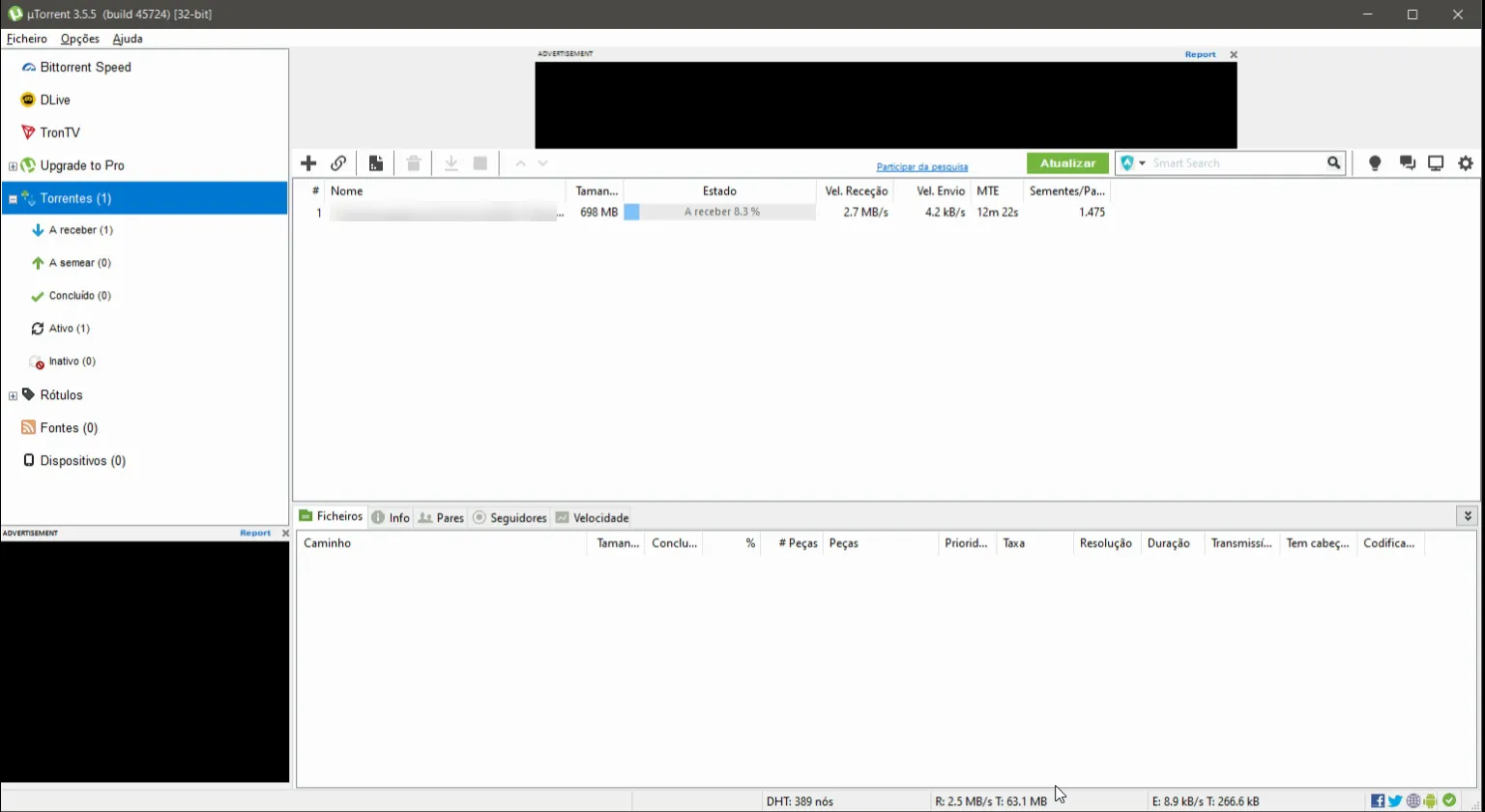
Done, now you can follow your download’s progress. You will be able to see the speed at which you are receiving the files and also the speed at which you are sending that file to other people. When the torrent finishes downloading, you need to explicitly click on the torrent and click stop; otherwise, it will keep uploading the file to other people, consuming and slowing down your internet.