This translation is machine-generated and pending review.
If you don’t like the icons that came with your distro, whether it’s Ubuntu or Linux Mint, or you simply want to give your desktop a new look, know that you can add a little extra personality using custom icon themes!
There are hundreds of icon themes out there, so I’ve picked the ones I like the most and have already used to make your search easier. They range across various styles, from subtle, flat, 2D glyphs to packs that lean into glow, gradient and detail.
1. Papirus Icon Theme
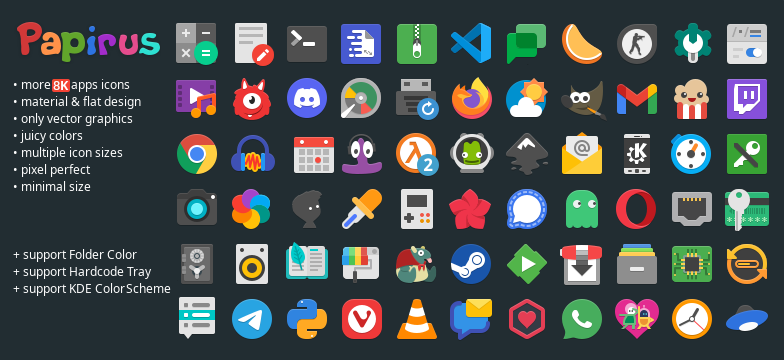
Papirus is a free and open-source SVG icon theme for Linux, based on the Paper Icon Set with many new icons and some extras, such as support for Hardcode-Tray, support for the KDE color scheme, support for Folder Color and others.
The Papirus icon theme is available in four variants:
- Papirus
- Papirus Dark
- Papirus Light
- ePapirus (for elementary OS and the Pantheon Desktop)
2. Numix Circle

Circle is an icon theme for Linux from the Numix project. The Numix Circle icon set now spans several thousand application icons, from old-time favorites to the newest ones, all of them (unsurprisingly) placed inside a circular frame.
3. Qogir Icon Theme
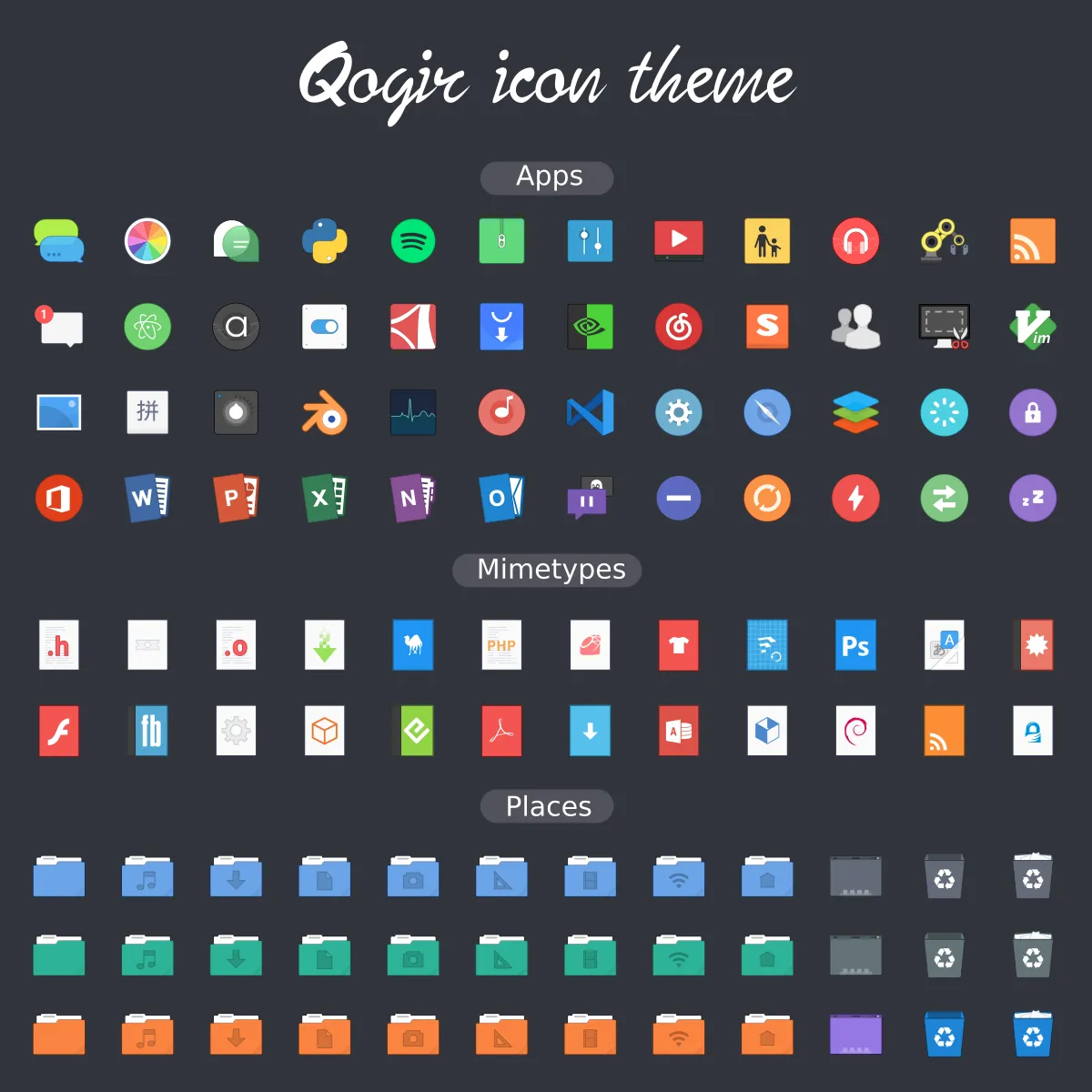
Qogir is a flat design theme for GTK 3, GTK 2 and Gnome-Shell that supports GTK 3 and GTK 2 based desktop environments such as Gnome, Unity, Budgie, Cinnamon, Pantheon, XFCE, Mate, etc.
4. OS Catalina
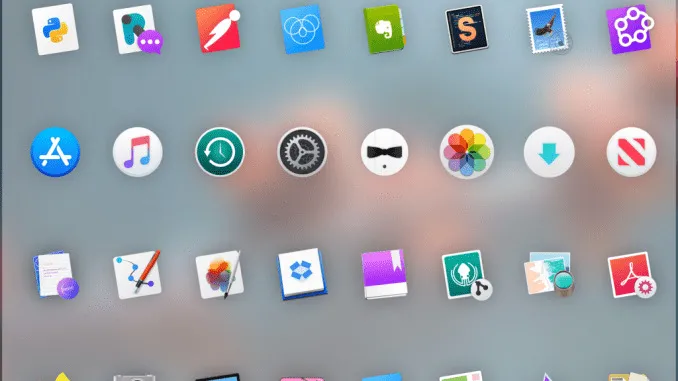
If you want to make Ubuntu look like a Mac (you may like the look of the operating system, but not its limitations) an icon set like OS Catalina is an easy way to do it.
5. Vimix
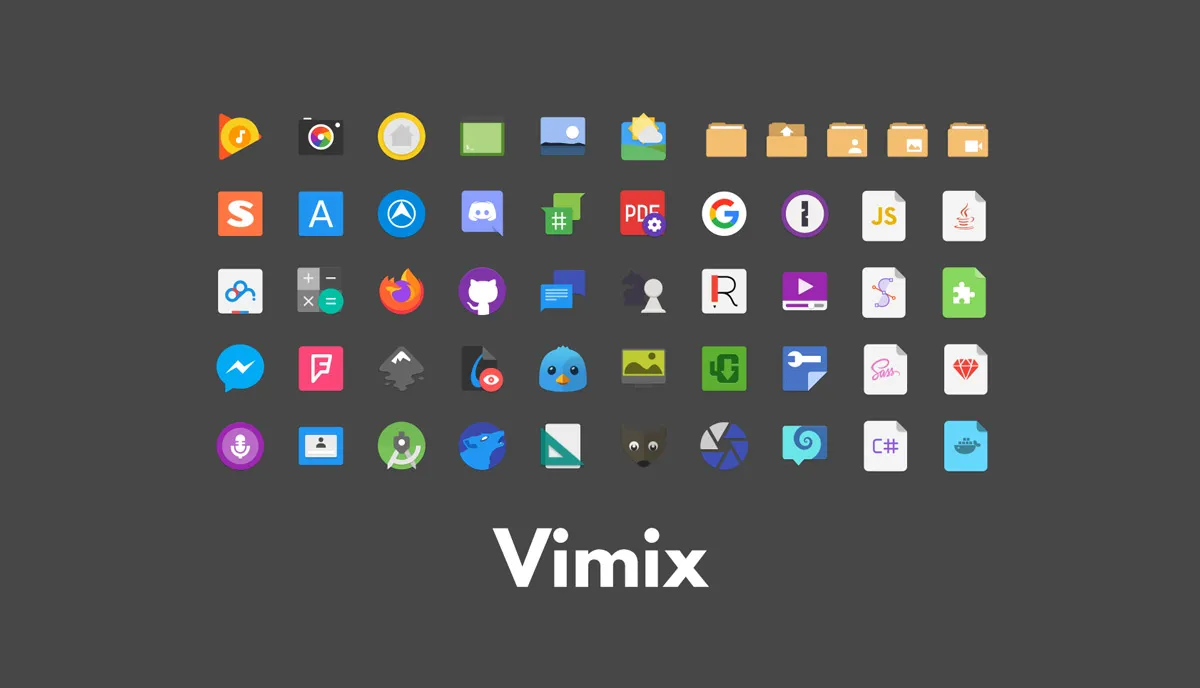
The Vimix icon theme is based on Paper-Icon-Theme, a modern freedesktop icon theme whose design is based on the use of strong colors and simple geometric shapes to compose the icons. Each icon was meticulously designed for perfect pixel rendering.
Although it draws inspiration from Google’s Material Design icons, some aspects were adjusted to better suit a desktop environment.